Reference · iPhone
Gavel Lens: Antique Identifier
What is it, and what is it worth? Find out from a few photos.
Snap an antique or vintage find, add a photo of its marks, and see what it is, when it was made and what similar pieces sold for, with sources.
Free to download · Requires iOS 17.0 or later
Features
What Gavel Lens: Antique Identifier does for you
Several photos per item
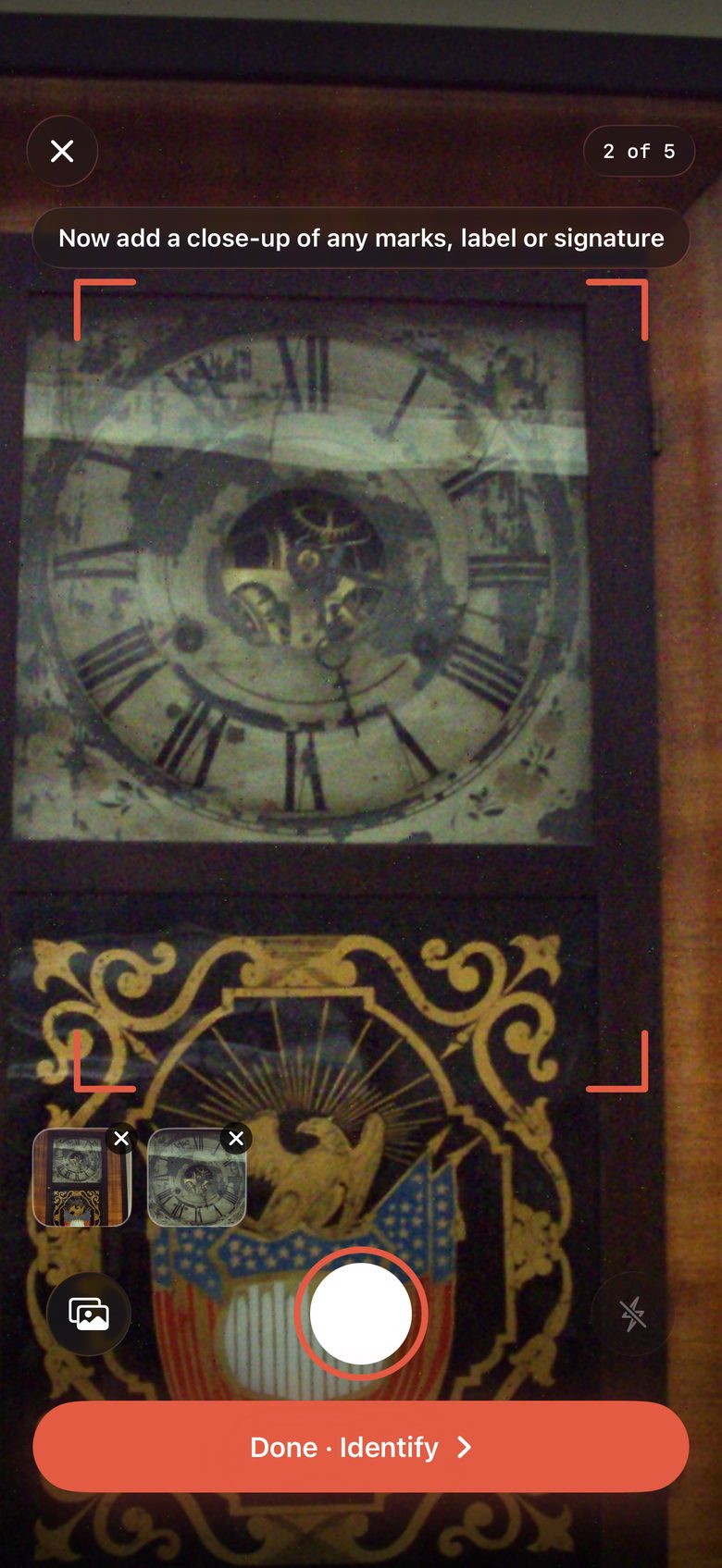
Shoot the whole piece, then the base, the maker's mark, the label or the signature. Up to five photos go into one identification, because the marks are what pin a piece down.
An honest identification
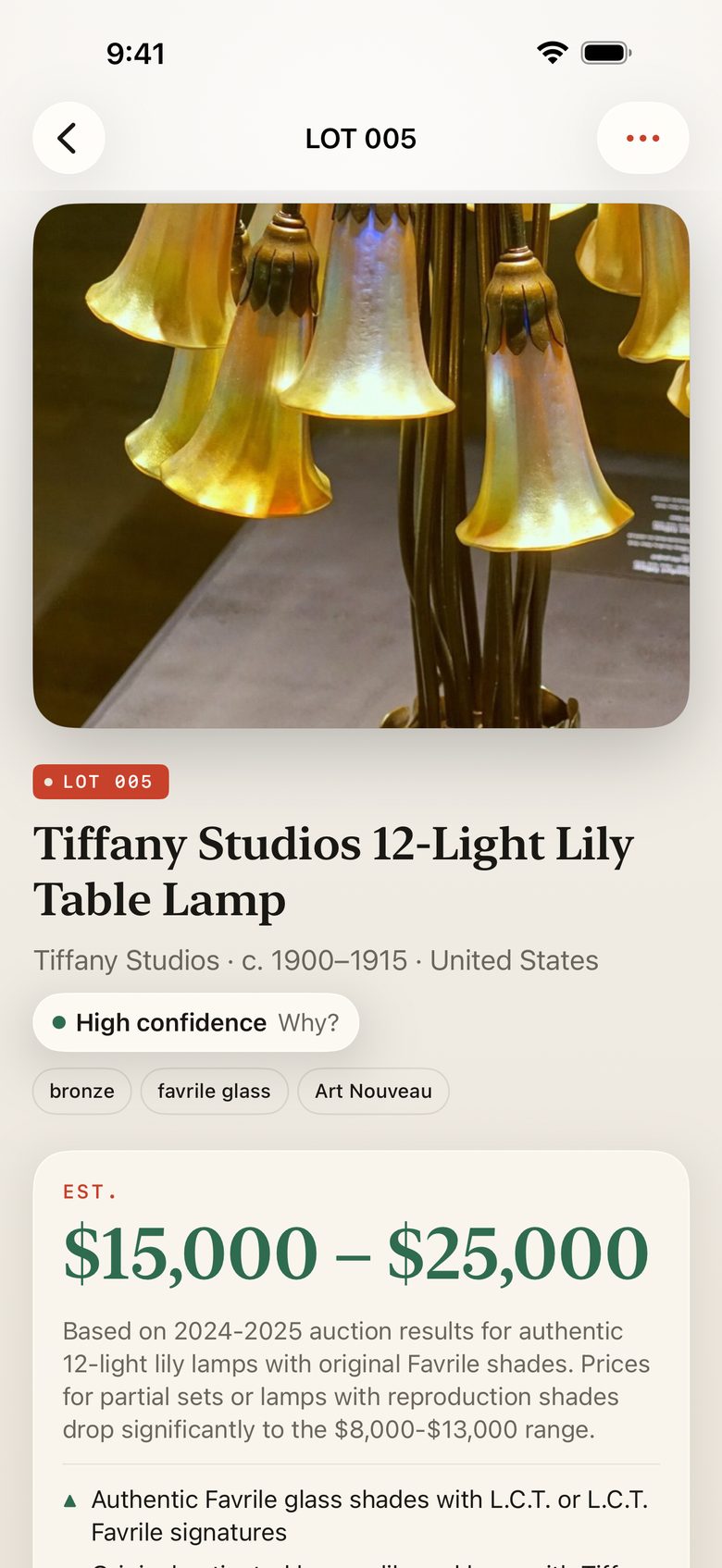
Name, maker, era, origin and materials, with a confidence level and the reason for it. When the photos can't date a piece, Gavel gives the full plausible range and tells you what would narrow it.
Estimates with their sources
Gavel Pro searches recent sales and auction records, gives a value range, explains what moves the price, and lists the pages it used so you can check them yourself.
Not right? Correct it
Tell Gavel what you know, or add a photo of the marks, and it tries again. No more being stuck with a wrong answer.
Spot reproductions
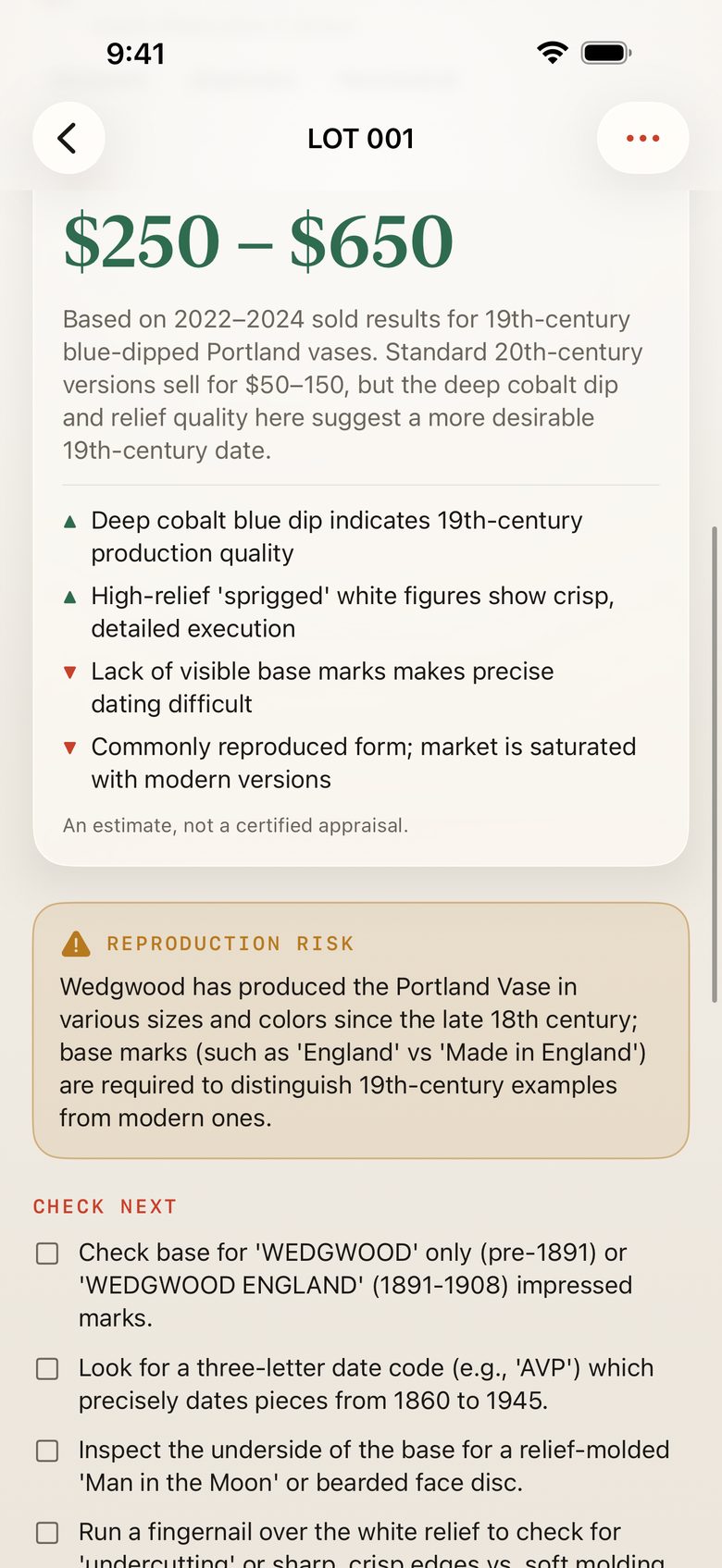
A reproduction warning when a design was widely copied, and a short list of what to check next to confirm age and maker.
Collections with their own value
Group finds by room, by estate or by sale. Each collection shows what it's worth, from the low to the high estimate, and tells you how many pieces aren't valued yet. Notes and the price you paid stay with every lot.
An inventory report, as a PDF
Gavel Pro turns a collection or your whole catalogue into a PDF: a cover with the total, then each piece with its photo, details, estimate and sources. It's made on your iPhone, ready for an insurer, an executor or a buyer. You can also export a spreadsheet.
How it works
Up and running in a minute
- 1
Take a photo of the whole piece
Or pick photos you already took from your library.
- 2
Add close-ups of the marks
The base, a label, a signature or a stamp. Up to five photos in total.
- 3
Read the result
See what it is and when it was made, then unlock the estimate, the sources and what to check next with Gavel Pro.
About
Why we built Gavel Lens: Antique Identifier
Antique identifier apps all promise to tell you what something is worth. In their reviews, people tell a different story: a valuable armoire priced like a flat-pack bookcase, a wrong answer with no way to fix it, and a single photo when the real clue is the mark on the bottom.
Gavel was built around those complaints. You can take several photos of one piece, so the maker’s mark, the label and the signature all count. Every identification comes with a confidence level and the reason for it. When the photos can’t settle the date, Gavel says so and gives the full range instead of guessing. If it’s wrong, you tell it what you know and it tries again.
For the value, Gavel Pro searches recent sales and auction results and shows the sources beside the estimate, with one tap to sold listings. You can check every number yourself, which is what an honest estimate should let you do. It is still an estimate, not a certified appraisal, and Gavel tells you when a piece deserves an expert’s eye.
Pricing
Simple, upfront pricing
3 identifications in total (name, maker, era, origin, materials and confidence), plus your collections and their totals.
Weekly
$5.99 per week
Yearly
$39.99 per year
Includes a 3-day free trial. Subscriptions renew automatically unless cancelled at least 24 hours before the end of the period. Cancel any time in Settings › Apple ID › Subscriptions. Prices are in US dollars and may vary by country.
Guides
Learn more
- How to tell if a painting is original or a print
- How to tell if gold is real: marks and simple checks
- How to identify Depression glass: colours, patterns and reproductions
- How to tell if silver is real: marks and simple tests
- How to identify antique furniture: marks, joints and screws
- How to read porcelain marks on the bottom of a plate or vase
- How to tell if an antique is worth money
- How much is my Seth Thomas clock worth?
Questions, answered
Is Gavel free?
Your first 3 identifications are free, with the name, maker, era, origin and materials. Value estimates, sources and unlimited scans need Gavel Pro: $39.99 a year with a 3-day free trial, or $5.99 a week.
How accurate are the estimates?
They are based on recent sales of similar pieces that Gavel finds and lists for you, so you can see where each number comes from. Condition, provenance and the exact model change prices a lot, which is why every estimate is a range with the reasons beside it.
Is it a certified appraisal?
No. Gavel gives estimates, not certified appraisals. For insurance, estates or anything that looks valuable, have a qualified appraiser see the piece in person. Gavel tells you when that is worth doing.
Can I add more than one photo?
Yes, up to five per item. A photo of the maker's mark, label or signature usually makes the biggest difference.
Can I use photos I already took?
Yes. Choose photos from your library in the scanner or on the home screen.
What if Gavel gets it wrong?
Tap "Not right?" on the result, type what you know or add a photo, and Gavel tries again.
Can I make an inventory for insurance or an estate?
Yes. Gavel Pro makes a PDF of any collection, with a photo, the details, the estimate and its sources for each piece. Every page says the estimates are indicative. It is not a certified appraisal, so an insurer may still ask for one on valuable pieces.
How do I cancel?
Open the Settings app, tap your name, then Subscriptions, then Gavel, and cancel. If you are on the free trial, Gavel can remind you a day before it ends.
Still stuck? Visit Gavel Lens: Antique Identifier support. We answer every email.